Capture
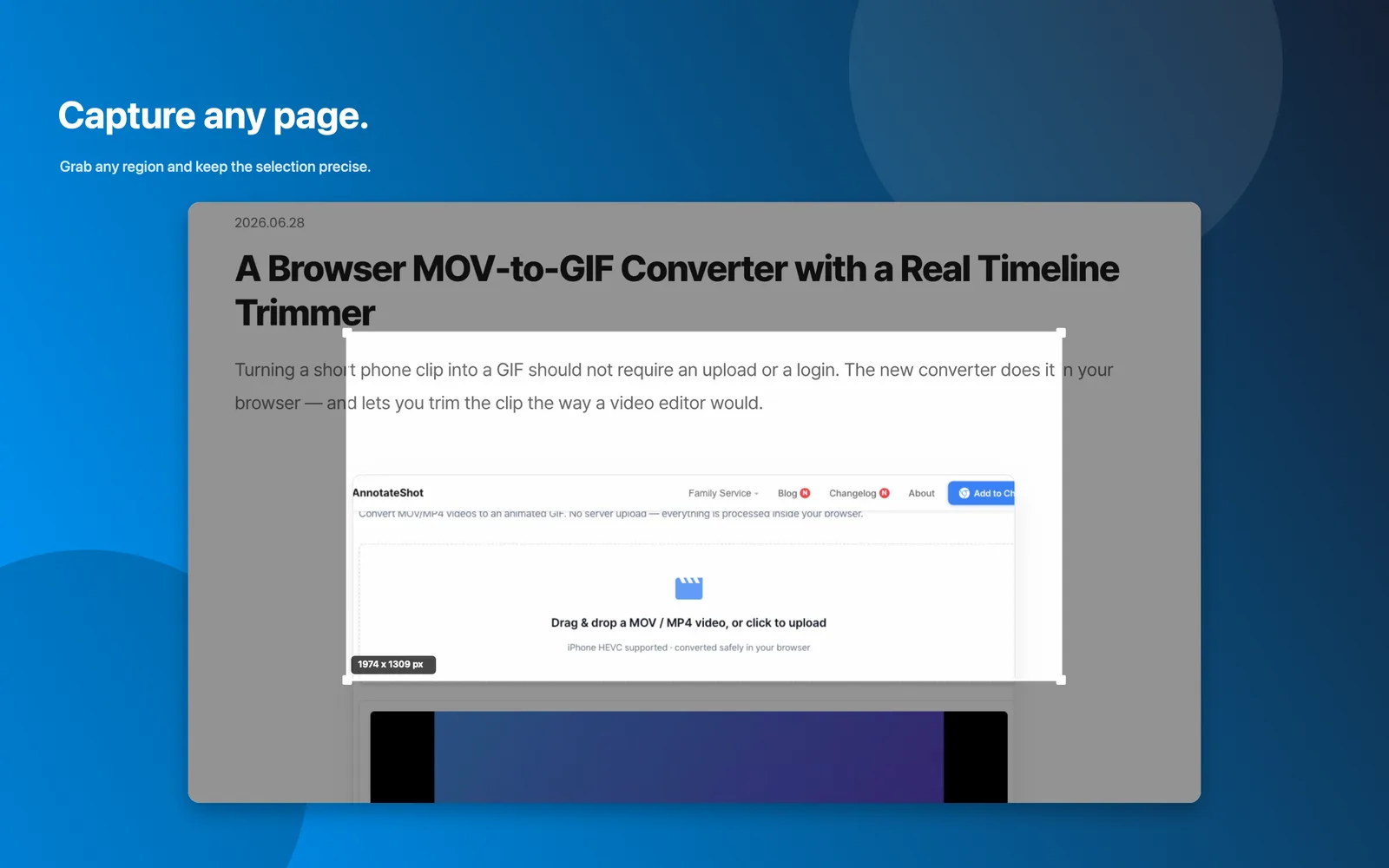
Start from the menu bar and grab the exact region you need.
Annotateshot is a local-first menu bar app for turning raw screenshots into clear visual feedback with numbers, arrows, text, mosaic, spotlight, magnifier, and one-click handoff.
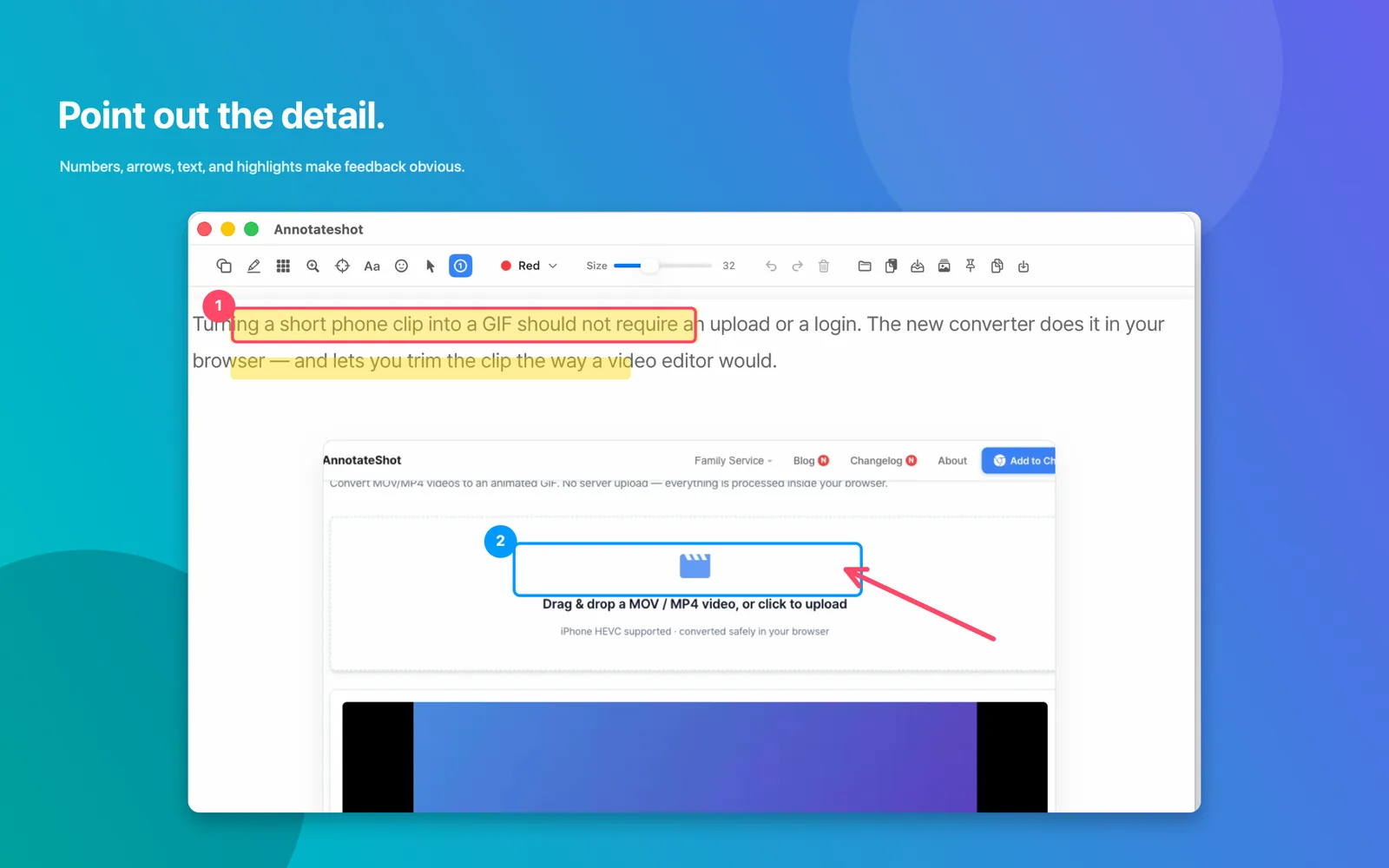
Annotateshot keeps the common screenshot loop compact: capture what matters, mark the important detail, protect private information, then send the result wherever the work is happening.
Start from the menu bar and grab the exact region you need.
Add numbers, arrows, text, highlights, shapes, emoji, and cursor stamps.
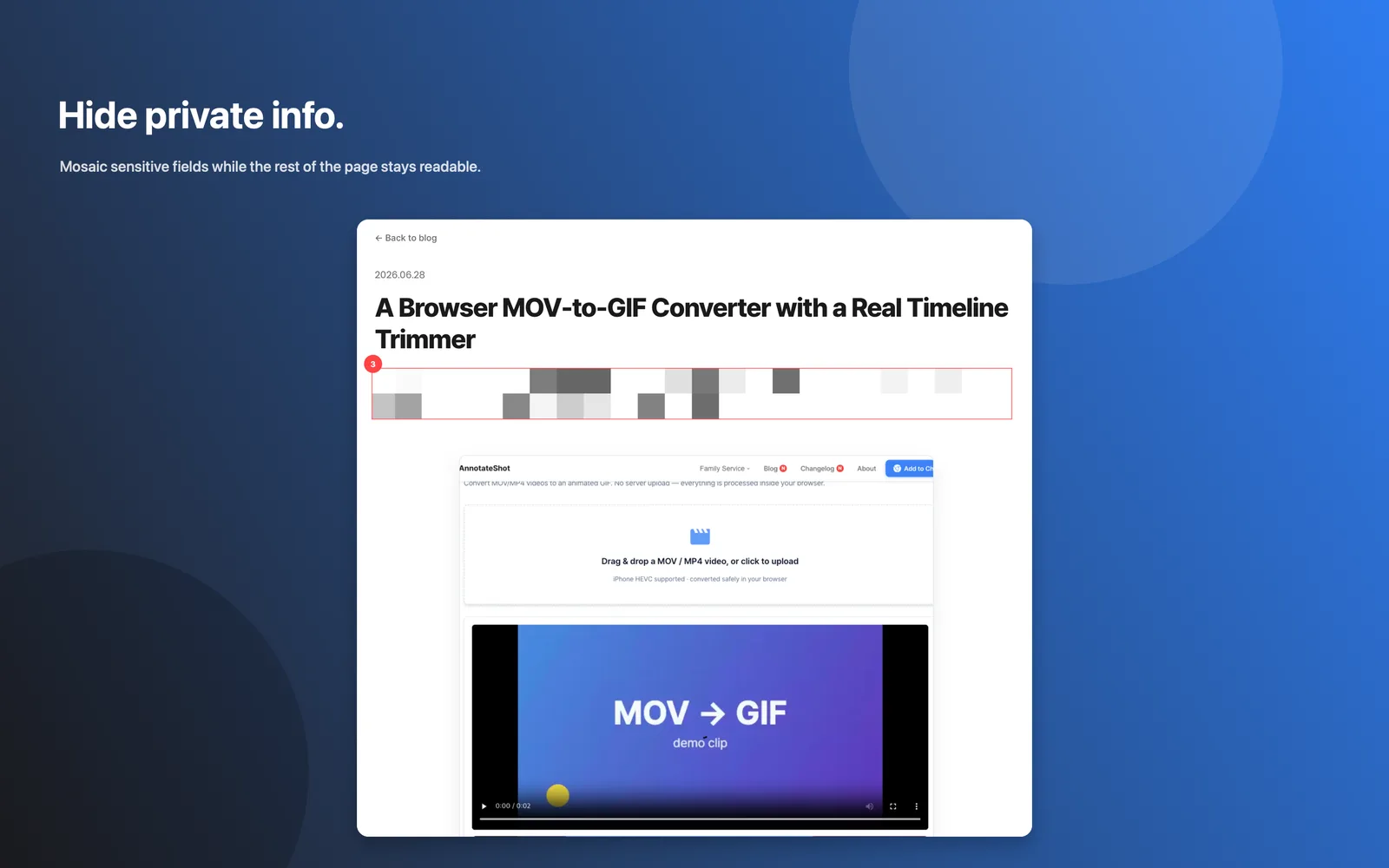
Use mosaic and spotlight when a screenshot includes private details.
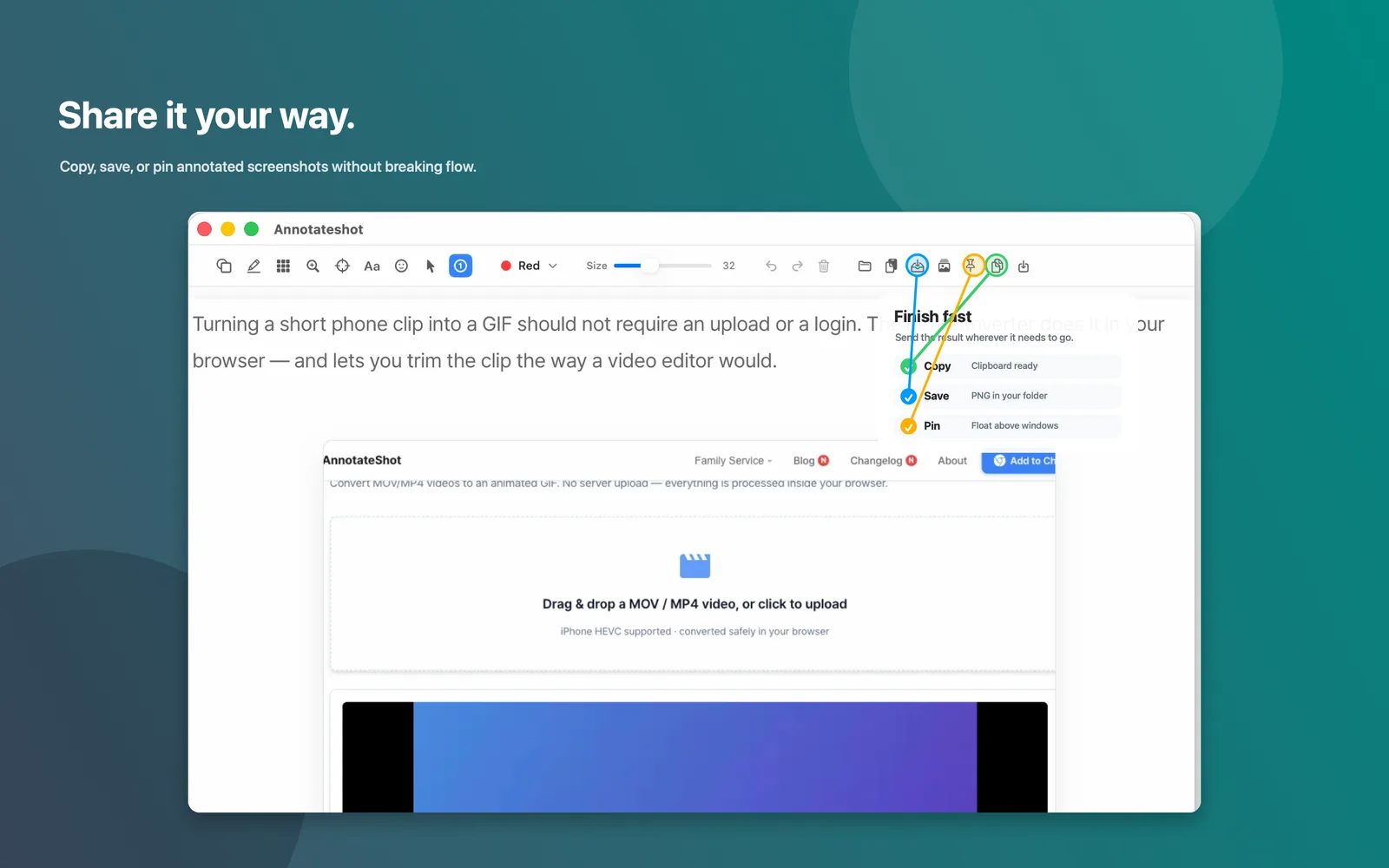
Copy, save, or pin the final image without breaking your flow.
Start with selected-area capture and keep the target area clear before the editor opens.
Use numbered callouts, arrows, text, and highlights when the recipient should understand the point at a glance.
When a screenshot includes names, IDs, customer data, or internal copy, apply mosaic while the surrounding page remains readable.
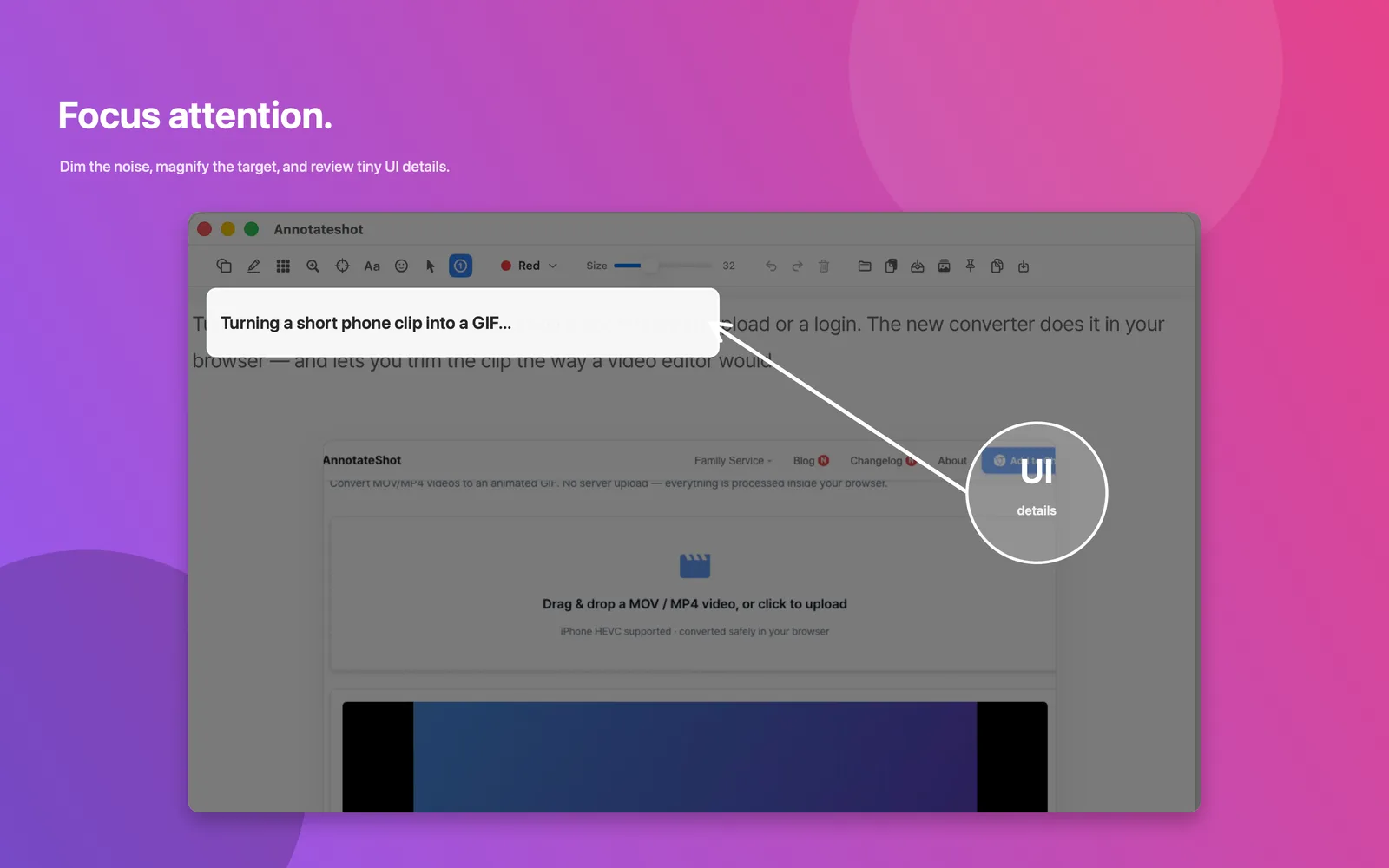
Spotlight and magnifier tools help teammates see the exact text, control, or state you are talking about.
Copy the final image, save a PNG, or pin the annotated screenshot above other windows while you keep working.
Annotateshot for Mac requires macOS 14 or later and is available now on the Mac App Store.